An ongoing exploration · 2026

My work. Your way around.
This site is an ongoing exploration of how a portfolio can feel, work and respond. Somewhere to show what I do—and try a few things along the way.
Have a look around, change the style, or ask “Gordon, More or Less”, the AI guide to my work, a question.
My role: Experience direction, visual design, interaction design and content curation, developed with AI coding assistance and adapted Framer components.
My work.
Your way around.

Choose your style
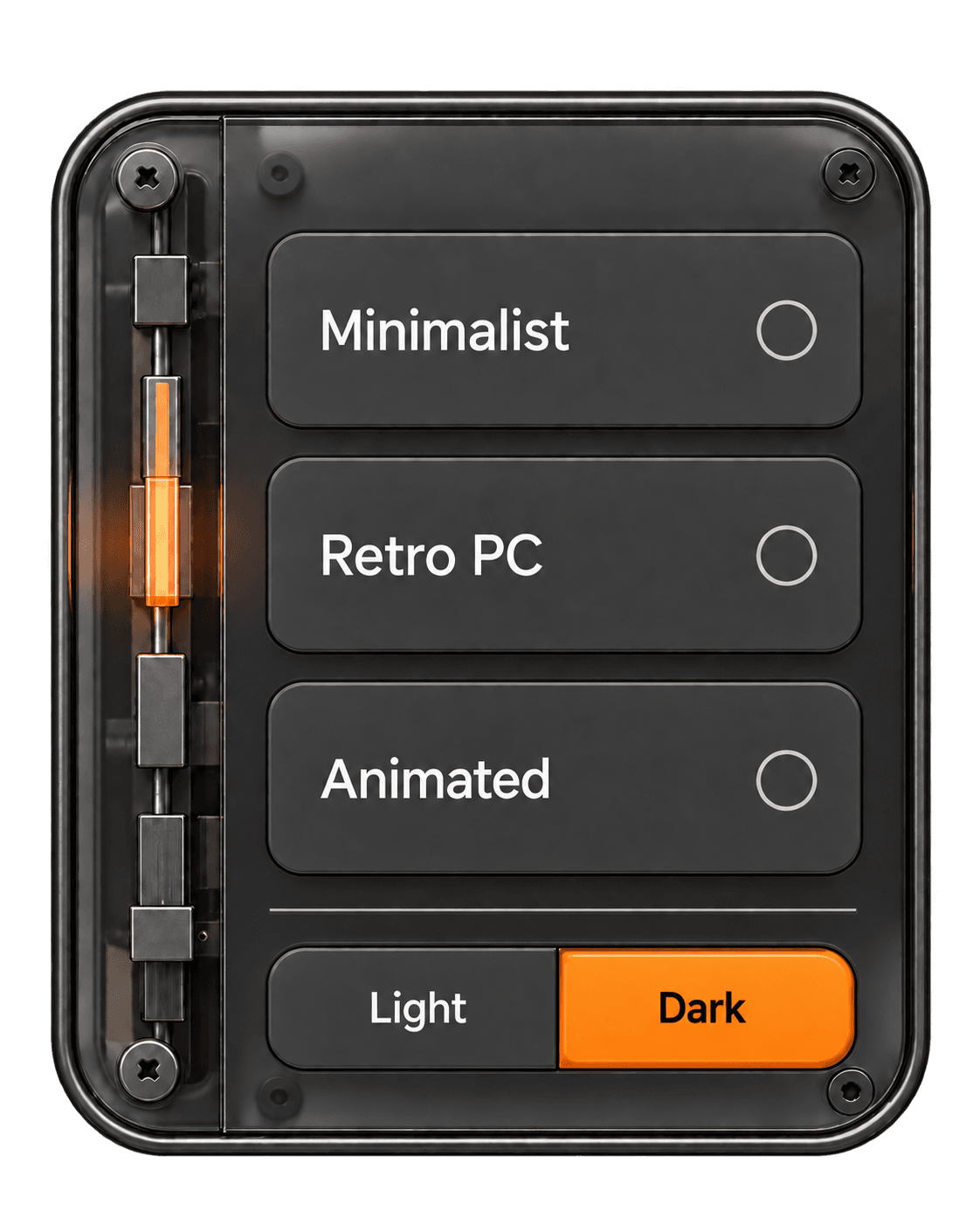
Use the style selector to change how you explore the site. Three visual directions share the same portfolio.
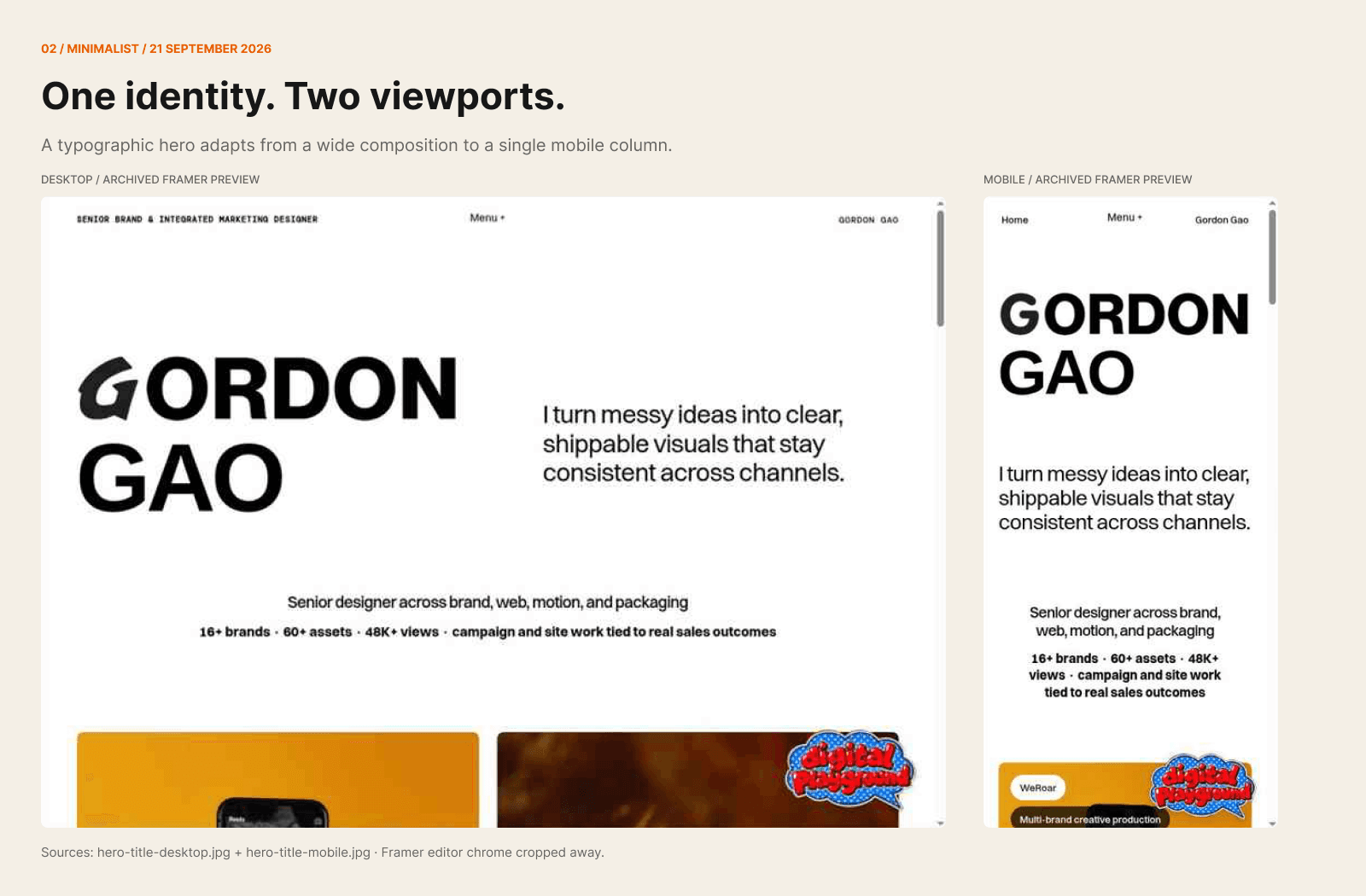
Minimalist keeps things clean and direct, giving the work room to speak.
Retro PC brings a little nostalgia to the screen through photographic computer artwork, tactile controls and a warmer setting.
Animated starts with a small Work space that opens into a large gallery. Oversized lettering rotates behind the project previews as you scroll. Copenhagen and Bauhaus inform the typography and composition, with cream and orange in light mode and black and orange in dark mode.
Scroll back to retrace the sequence, use the numbered controls to choose a project, or jump straight to the library. The presentation adapts to mobile, with a simpler sequence for reduced motion.
Prefer a lighter or darker view? You can change that separately. The compact style control opens into a larger panel, then folds back out of the way when you hide it.



Meet “Gordon, More or Less”
An AI guide to my work. Ask about a project, what I contributed, how I approach a brief, or which work is most relevant to you.
An AI guide
to my work.
Why “More or Less”?
It knows my work and has a little of my personality. But it doesn’t have every answer, and it isn’t actually me.
So: “Gordon, More or Less”. For the full Gordon, you’ll have to say hello.
Start anywhere
“What should I look at if I’m hiring a designer?”
“How does Gordon use AI in his work?”
“Show me something involving physical products?”
Each answer offers three directions to explore next. Follow one or ask your own question.
A familiar object, a different interface
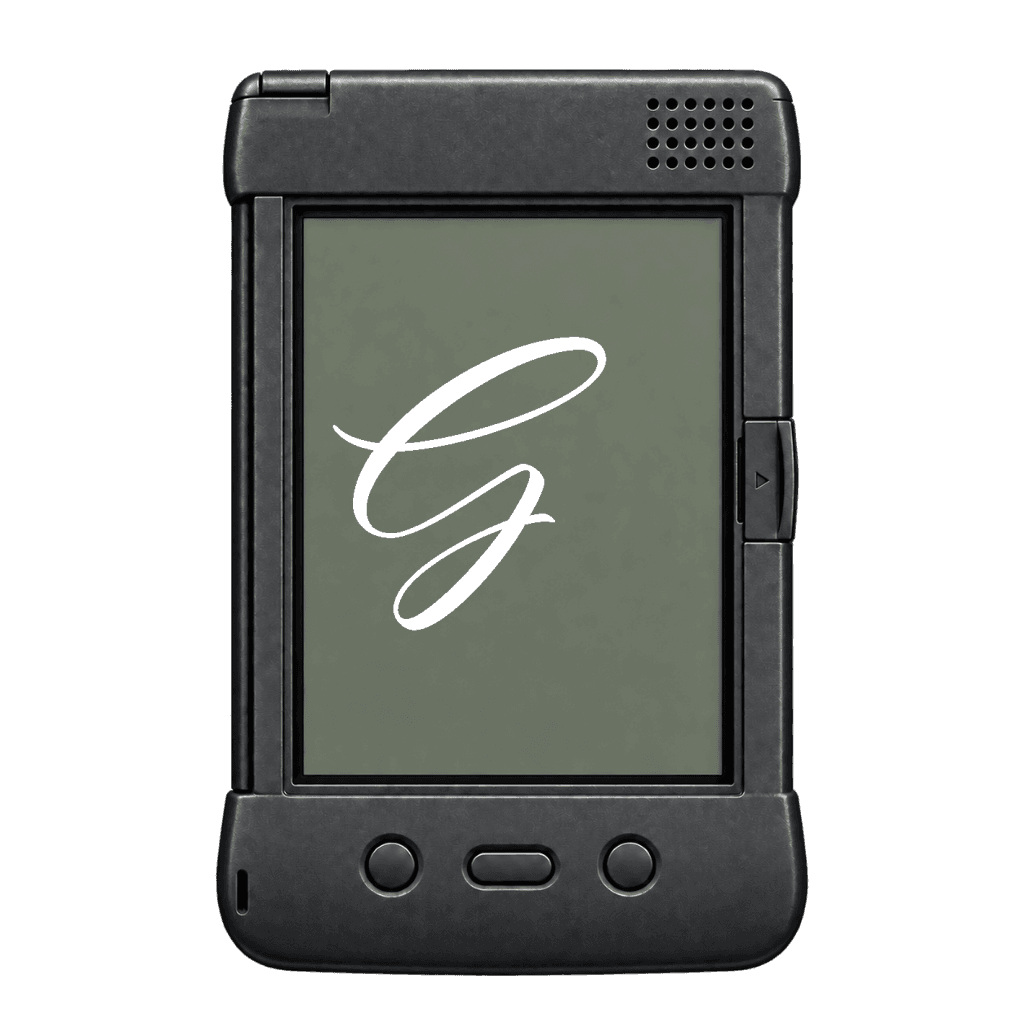
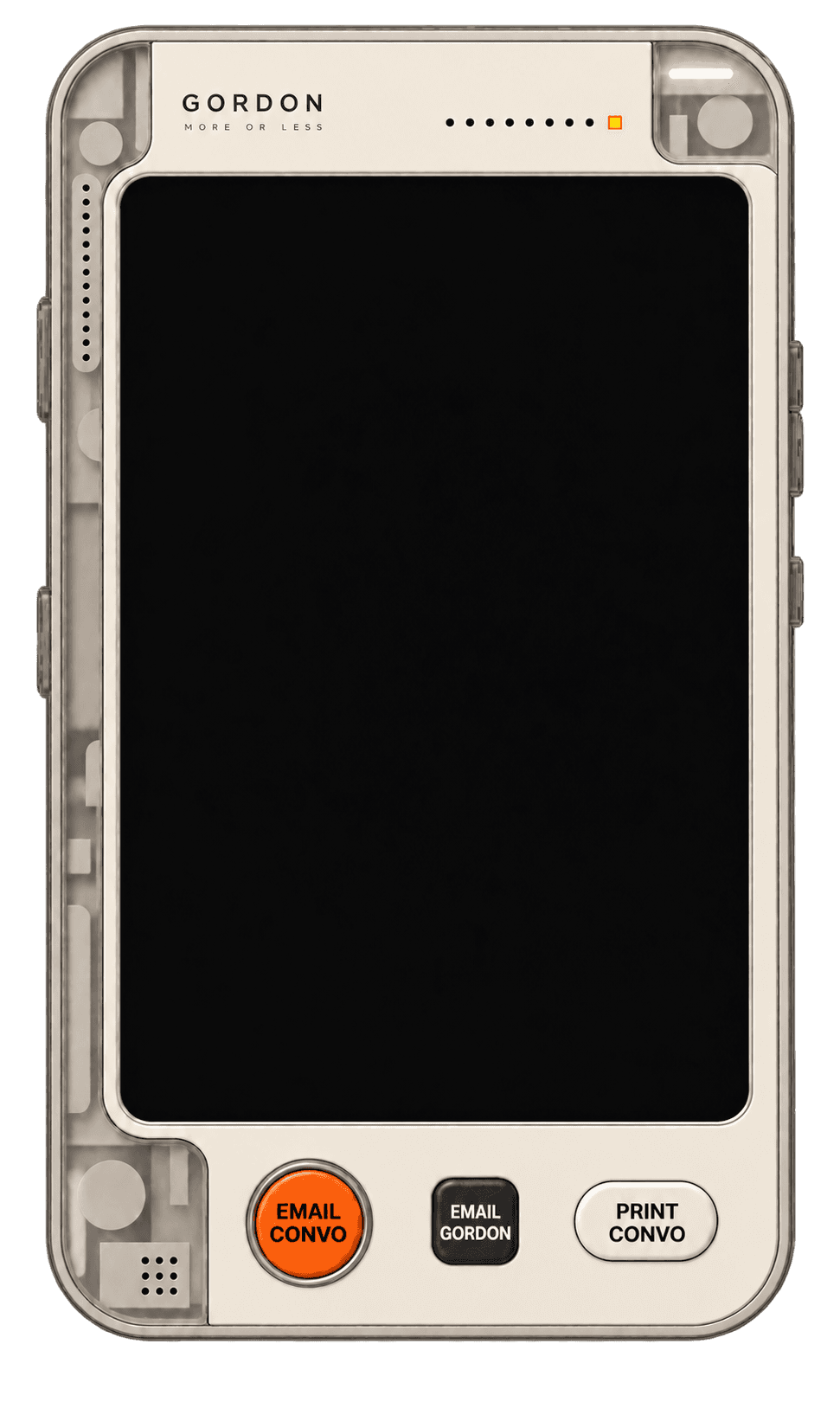
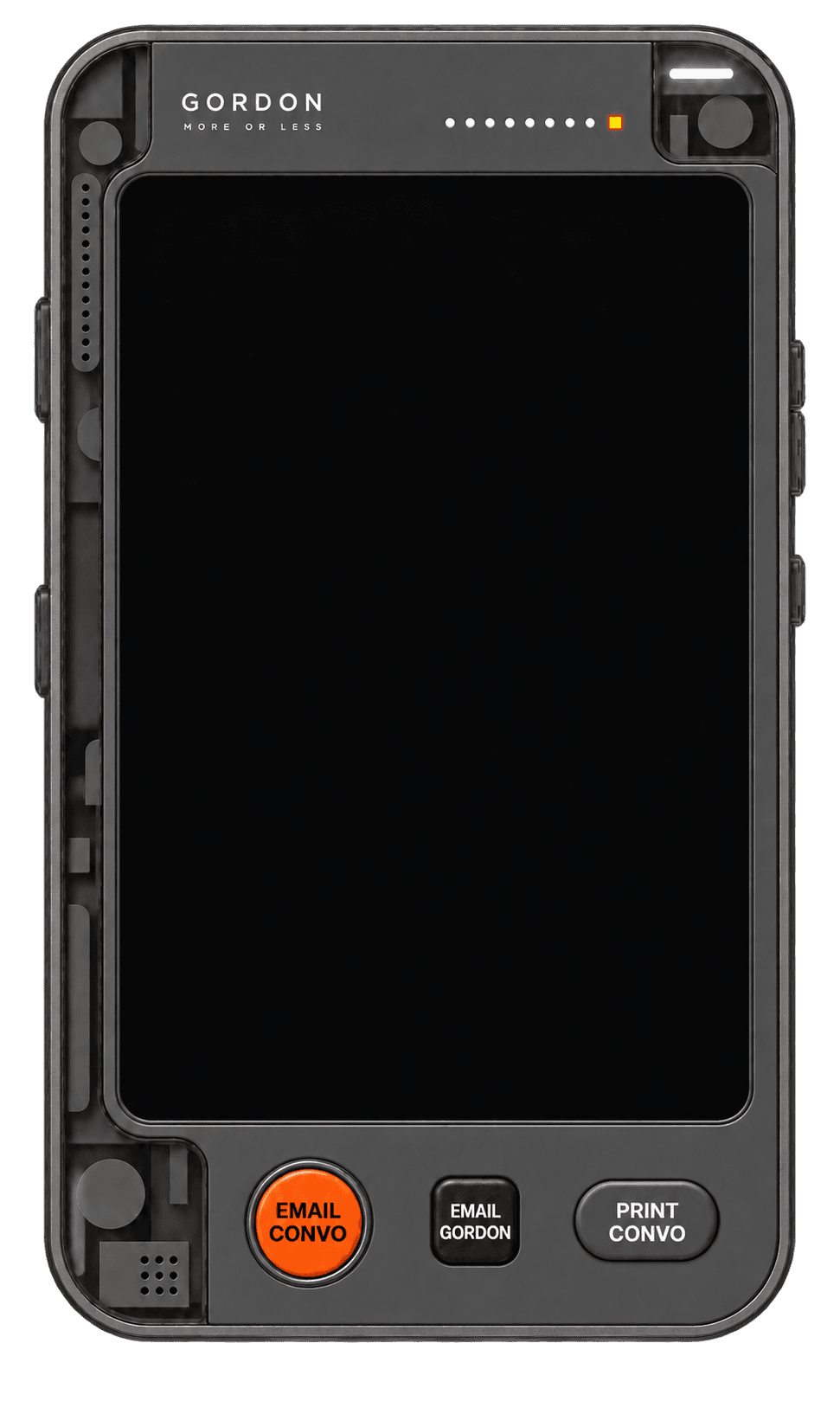
The handheld form connects the assistant to my interest in physical objects. Materials, proportions, screen placement and controls all help it feel like part of the site.
Minimalist uses a graphite PDA with labels built into its buttons. Animated pairs a cream casing with the light palette and a graphite casing with the dark palette, keeping orange as the shared accent. Its smaller launcher echoes the full device, with a brief movement on hover or keyboard focus and a still version for reduced motion.
The appearance changes; the conversation stays with you. On smaller screens, the layout gives more room to reading and writing.



Something caught your eye?
On desktop, select some text or use Learn more with “Gordon, More or Less” on supported images and links to bring them into the conversation.
Add your question, review what’s attached and send when you’re ready. Nothing is sent automatically.
Project links offer a way back into the work, so a question can lead somewhere useful.
Get comfortable in Retro
Three desktop views change how much of the computer surrounds the content.
On your phone, the layout adapts to the smaller screen.
Setup
Take in the whole scene.
Focus
Move closer to the screen.
Expand
Give the content more room.

Browse at your own pace
Hide the assistant when you want more space, then reopen it to continue. Your conversation and draft stay with you as you move between pages during your visit.
The latest refinements also keep enlarged images and supported films inside the portfolio. Extra gallery images load when opened, while the loading screen prepares the opening view. Viewing quality remains the priority.
Usage limits help keep the assistant available. If you reach one, the interface will let you know—you can still explore the portfolio.
How the presentation evolved
The early layout focused on a clear introduction and the work. Later iterations explored how the same content could feel quieter, more tactile or more expressive in motion.
These process boards bring together recovered interface captures and reconstructed studies. They show how the directions developed across desktop and mobile; they are not all screenshots of working pages.
The four views trace an early recovered layout, Minimalist, Retro PC and Animated. The PDA and selector studies then bring those visual directions down to the controls visitors use.



Still exploring
I’m using this site to explore AI, interaction and different ways of presenting my work. Expect it to change as I find things worth adding—or simplifying.
The aim is to make the work easier to explore while giving the site a personality of its own. I’m continuing to refine the experience; I’m not claiming measured improvements in engagement or hiring outcomes.
If something makes you curious, ask. If something feels off, tell me.
The conversational portfolio idea was inspired by Rachel Chen’s RacheLLM. This is my own evolving take, built around my work and personality.